How to add a link in your Instagram and TikTok bio in 2026
In this article, you'll learn how to add a link in your Instagram bio on iPhone and Android and how to organize your 5 links; how to add your WhatsApp link with a pre-filled message; how to add a link in your TikTok bio and what to do without 1,000 followers; why the link doesn't show up; and how to know whether people tap it.

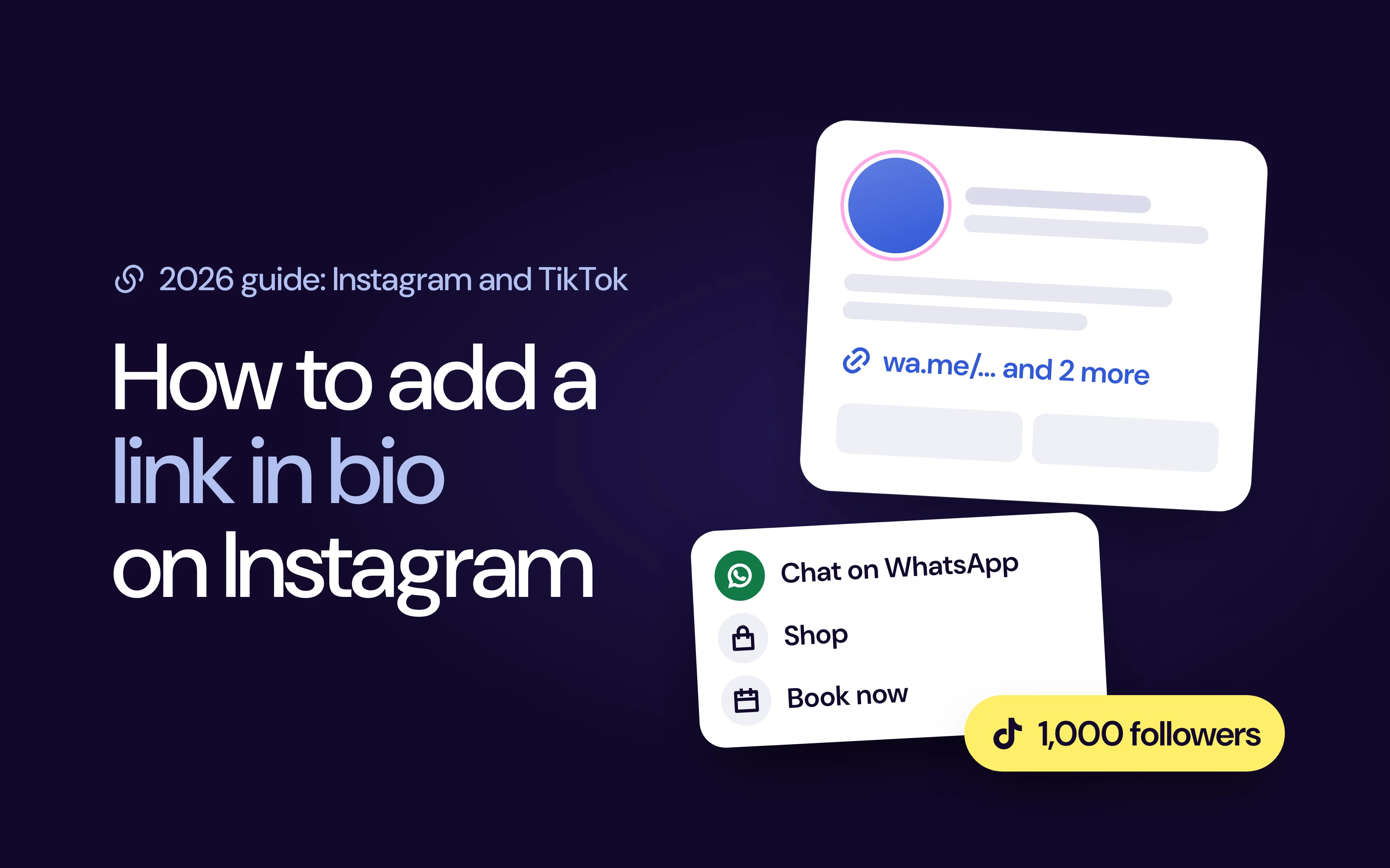
To add a link in your Instagram bio, open your profile in the app, tap Edit profile › Links › Add external link, paste the address, add a title and tap Done. Instagram allows up to 5 links in your bio, and the feature only exists in the mobile app. On TikTok, the path is similar, but the link only shows up for accounts with 1,000 followers or a verified Business Account. Below: how to add a link in your Instagram and TikTok bio, the WhatsApp link, and what to do when the option doesn't show up.
| TikTok | ||
|---|---|---|
| Where it is | Edit profile › Links › Add external link | Edit profile › Links › Add |
| How many links | Up to 5 | One website link |
| Who can | The Help Center lists no account-type restriction | 1,000 followers or a verified Business Account |
| On a computer | No: app only (Android and iPhone) | The official steps are in the app |
| Links not allowed | Not listed in the Help Center | Links that open or log in to another social media app |
The table sums up what each network's official help says today. The rest of this guide explains each row, with the menu path and the details that make the link actually work.
What changed: many tutorials still say Instagram allows "just one link" and that TikTok gives the link to "Pro accounts". Today the Instagram Help Center talks about up to five websites on your profile, and TikTok's help requires 1,000 followers or a verified Business Account. TikTok also stopped accepting links that open other social media apps.
In this guide, you'll learn:
- How to add a link in your Instagram bio, on iPhone and Android, and how to organize your 5 links.
- How to add your WhatsApp link to your bio, with a pre-filled message.
- How to add a link in your TikTok bio and what to do without 1,000 followers.
- Why the link doesn't show up and how to know whether people tap it.

What is a link in bio?
A link in bio is the clickable address on your profile, right below the description. It's how a follower leaves Instagram or TikTok and reaches your WhatsApp, your store, your booking page or your website.
The phrase also became a signal. When a post says "link in bio", it means: the link to what I just showed is on my profile. That's because, in practice, an address typed in the caption of a feed post doesn't become a clickable link. Anyone who wants to send followers somewhere puts the link in the bio and points to it in the post.
How to open the link in someone's bio
Open the profile and tap the blue link below the description. If the profile has more than one link, Instagram shows the first one and a note with how many others there are: tap it to see the list and choose.
How to add a link in your Instagram bio: 2026 updated guide
The path is the same for personal and business accounts. Only one button name changes between iPhone and Android.

On your phone: step by step
- Open the Instagram app and tap your photo in the bottom corner to go to your profile.
- Tap Edit profile.
- Tap Links, then Add external link (on Android, the button is called Add link).
- Paste the full address in the URL field and write a short title, like "Chat on WhatsApp" or "Shop".
- Tap Done. The link now shows on your profile.
Pros: it takes less than a minute, needs no extra app, and the link is visible to anyone, on or off Instagram.
Watch out: copy the whole address, including https://, and open the link from your profile after saving to check it goes to the right page.
Official limits:
- Up to 5 links per profile.
- Only in the Instagram app for Android and iPhone.
- To remove one, tap the link in Edit profile › Links and tap Remove link.
Can you add a link in your Instagram bio from a computer?
No. The Instagram Help Center says adding links to your profile isn't available on computers: the feature only exists in the Android and iPhone apps. If you work on a computer, prepare the address there, send it to your phone and paste it in the app.
How to add multiple links in your Instagram bio
Repeat the steps for each link, up to the limit of five. To change the order, go to Edit profile › Links › Options › Reorder links, hold the link and drag it where you want.
Order matters because the profile shows one link up front and hides the others behind a tap. Put the link that drives the most business at the top, like your sales WhatsApp or your store, and leave the others below.
A detail few tutorials mention: if you add your Facebook profile link, the Help Center says it will be the first website people see. For that, your Instagram account has to be in Meta's Accounts Center.

How to add your WhatsApp link to your Instagram bio
WhatsApp has an official link format that opens the chat directly, without the person having to save your number. You create the link once and add it to your bio like any other.
- Build the address in the format
https://wa.me/NUMBER, using the full international number: country code, area code and number, with no spaces, parentheses or dashes. Example:https://wa.me/15551234567. - If you want the chat to start with a message, add
?text=and the message with spaces replaced by%20. Example:https://wa.me/15551234567?text=Hi%2C%20I%20found%20you%20on%20Instagram. - Open the link on your phone to test it. It has to open a chat with the right number.
- Paste the link in Edit profile › Links › Add external link, with the title "Chat on WhatsApp".
The format comes from the WhatsApp Help Center, which also confirms the link works on phones and on WhatsApp Web. The pre-filled message has a hidden benefit: when it says "I found you on Instagram", you know where each chat came from.
On a professional account, Instagram also offers a Contact button at the top of the profile, with phone, email and directions. It doesn't replace the link: the button shows your contact details, and the bio link takes people straight to the chat. See how to set up an Instagram professional account.
How to add a link in your TikTok bio
On TikTok, the link field doesn't show up for everyone. Before the steps, check whether your account meets the requirement.
Who can add a link in their TikTok bio
According to TikTok's official help, a website link on your profile is available to:
- Accounts with at least 1,000 followers, including general (personal) accounts.
- Verified Business Accounts, with any number of followers.
The word that matters is "verified". Switching to a Business Account isn't enough: without business verification, TikTok warns that the account may be converted back to a general account and lose features. Verification is in Profile › Menu › Settings and privacy › Account › Business verification.
Step by step in the TikTok app
- Tap Profile in the bottom corner.
- Tap Edit profile.
- Next to Links, tap Add.
- Paste the address and follow the steps on screen.
Pros: the link opens in TikTok's own browser, without the follower leaving the app.
Watch out: TikTok no longer supports links that open or log in to other social media apps. Links to those networks' websites still work. TikTok's help also recommends a direct link to the final page, without chaining one link into another, because anti-scam safeguards may ask the follower to open the link in their device's browser.
Official limits:
- 1,000 followers or a verified Business Account.
- One website link on the profile.
- No links that open other social media apps.
How to add a link in your TikTok bio without 1,000 followers
The official path is a verified Business Account. For a registered business, it's usually the shortest route: switch to a Business Account and request business verification in settings. Until the link is available, use your profile name and description to say where to find you, for example your Instagram handle, where the link already works.
Which link to put in your bio: one for each goal
With five slots on Instagram and one on TikTok, the question stops being "how to add it" and becomes "which one to add". Start with what you want the follower to do.
| Goal | Link at the top | Short title |
|---|---|---|
| Sell on WhatsApp | wa.me with a pre-filled message | Chat on WhatsApp |
| Sell in your online store | Store page or this month's collection | Shop |
| Book appointments | Online booking page | Book now |
| Launch or sale | Offer page, only while it lasts | December sale |
| Several destinations on TikTok | A link page that gathers them all | All links |
Change the top link when your goal changes. A link to a sale that already ended is the fastest way to lose a customer who arrived ready to buy.

Link page: when one link is not enough
On TikTok, you get one link. On Instagram, five sometimes isn't enough: catalog, WhatsApp for each location, menu, videos, reviews. The answer is a link page: a simple, mobile-first page that gathers every destination under one address. You put that address in your bio and organize the rest inside it.
A good link page has few buttons, with the most important one on top, the same photo and colors as your profile, and button text that says what happens ("Order on WhatsApp", not "Click here").

You can build this page with BestContent Links, BestContent's link page: one address in your bio, and the follower chooses between WhatsApp, your store and your other destinations. If you're choosing where to build this page, the comparison of link in bio tools with WhatsApp explains what to look for.
How to know whether people tap your bio link
A link nobody taps takes the place of one that would sell. There are two ways to measure it, and they complement each other.
With professional account insights
On a professional account, Instagram insights show profile activity, with visits and link taps. Compare weeks: if visits go up and taps don't, the problem is the link or its title. The Instagram insights guide shows where each number is.
With UTM parameters in the link
A UTM is a piece of text at the end of the address that tells your website where the visit came from. A link like yoursite.com/shop?utm_source=instagram&utm_medium=bio makes the visit show up in Google Analytics as "instagram / bio", separate from everything else. Use a different UTM for Instagram and TikTok and you'll find out which network sends more customers.
Why isn't my bio link showing up or working?
It's almost always one of these causes. Test them in order.
- You're on a computer. On Instagram, adding links to your profile only works in the app. Do it on your phone.
- The app is out of date. Update Instagram or TikTok in the app store and open your profile again.
- Your TikTok account doesn't meet the requirement. Without 1,000 followers or business verification, the link field doesn't show up.
- The link opens another social media app. TikTok rejects this kind of link. Use the website address instead of the app link.
- The address is wrong.
https://is missing, there's an extra space, or the WhatsApp number has parentheses and dashes. Open the link from your own profile to test it. - The destination page is down. Sale ended, product sold out or old link. Replace it with the current one.

Can you add links to stories and posts?
In stories, yes. The link sticker has been available to all accounts since October 2021, according to Instagram's announcement, with no minimum number of followers. The exceptions are new accounts and accounts that repeatedly break the Community Guidelines. To use it, create the story, tap the sticker icon, choose Link, paste the address and place the sticker.
In feed posts and Reels, an address typed in the caption doesn't become a link. That's why "link in bio" exists: the post sparks interest, and the bio takes the person to the destination. To give a story with a link more reach, see how to repost stories on Instagram.
Frequently asked questions
How many links can I add to my Instagram bio?
Up to five. You add each one in Edit profile › Links and change the order in Options › Reorder links. The first one on the list is featured on your profile.
How do I add a link in my Instagram bio from a computer?
You can't. The Instagram Help Center says adding links to your profile only works in the Android and iPhone apps. Prepare the address on your computer and paste it on your phone.
Can a personal account add a link in its Instagram bio?
The Instagram Help Center explains the same path without mentioning any account-type restriction. What is exclusive to professional accounts is the Contact button, with phone and email.
Why can't I add a link in my TikTok bio?
Because TikTok only gives the website link to accounts with at least 1,000 followers or verified Business Accounts. Switching to a Business Account without verifying your business isn't enough.
How do I add my WhatsApp link to my bio?
Use the official format https://wa.me/NUMBER, with the full international number and no spaces, parentheses or dashes, and paste it in Edit profile › Links. To start the chat with a message, add ?text= and the message.
What does link in bio mean?
It's the clickable link on a profile, below the description. When a post says "link in bio", it means the link to that topic is on the profile, because an address typed in the caption doesn't become a link.
How do I know how many people tapped my bio link?
On a professional account, Instagram insights show link taps in profile activity. To see what the visitor did next, add a UTM to the link and track it in Google Analytics.
Conclusion
Adding a link in your Instagram bio takes less than a minute; what makes the difference is choosing the link and keeping it up to date. Before you close the app, check:
- The link was added in the app, in Edit profile › Links.
- The most important link is at the top of the list.
- Your WhatsApp is in the wa.me format, with a pre-filled message.
- On TikTok, the account has 1,000 followers or is a verified Business Account.
- The link has a UTM and was tested from your own profile.
With your bio sorted, the next step is giving followers a reason to tap it: posts that point to the link on the right day. The Instagram post schedule helps you plan that, and the guide on how to schedule Instagram posts gets your week ready in one go.
If you need more destinations than your bio can hold, build your link page with BestContent Links and put a single address on your profile.