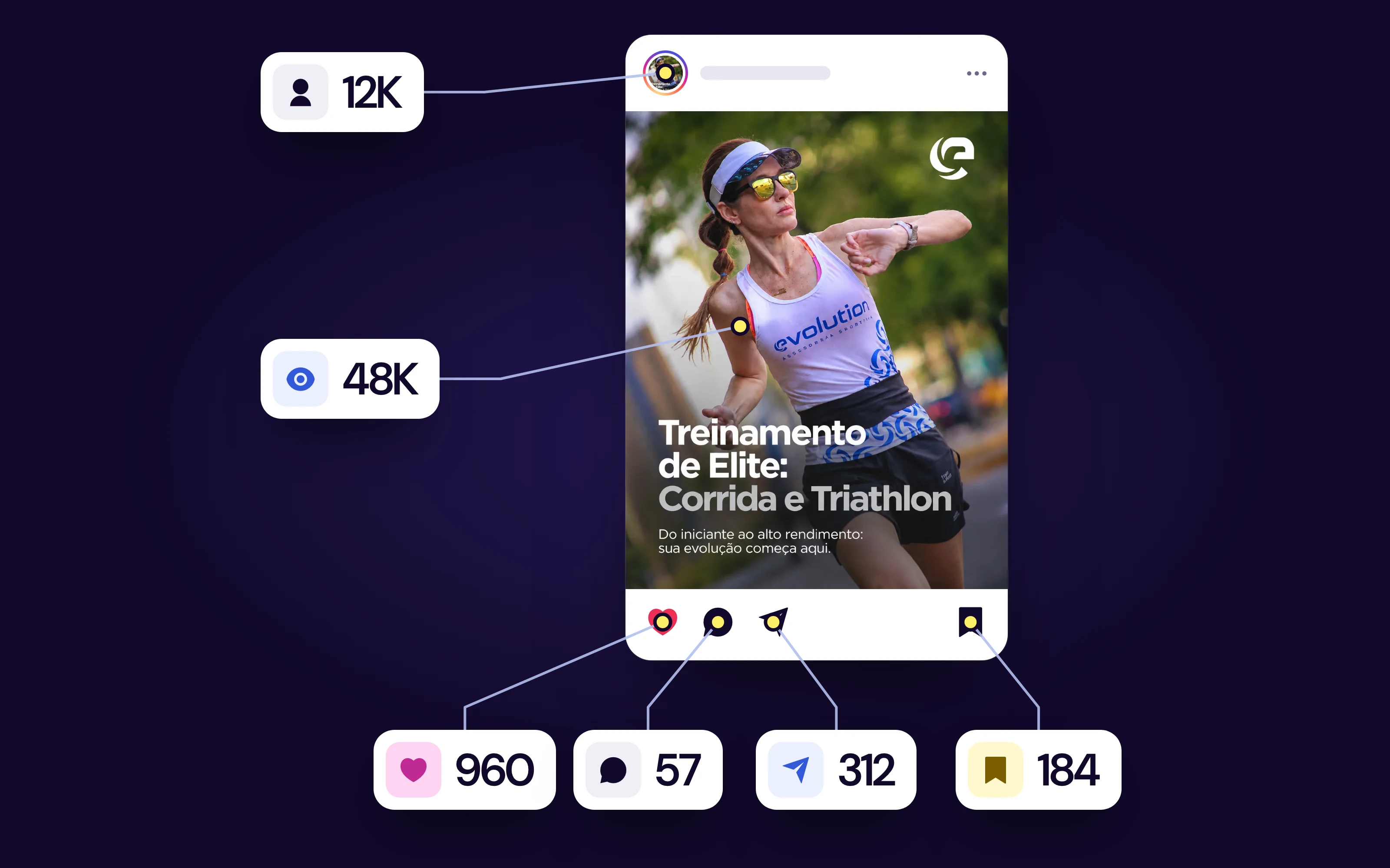
Instagram Reels in 2026: what they are, how to make one and what to post first
In this article, you will learn what Instagram Reels are and where they show up; how long a Reel can be in 2026; how to make Reels step by step, with photos or a ready-made video; what keeps your Reel out of recommendations; when to use Reels, Feed or Stories; and what to post in your first Reel.

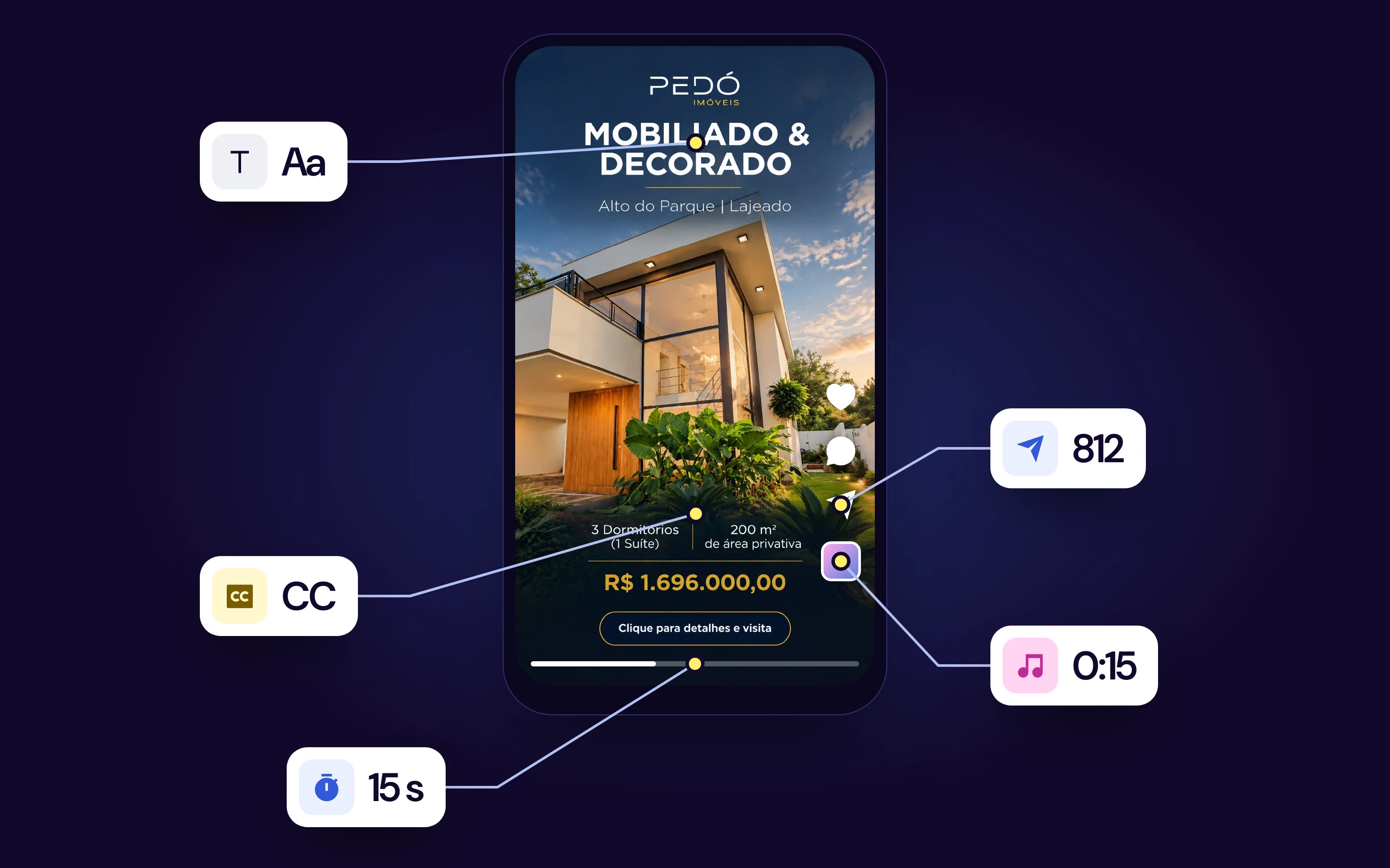
Reels on Instagram are short vertical videos, with music, text and effects, that live in the Reels tab of your profile and are also shown to people who don't follow you yet. How to make Reels on Instagram: tap +, choose Reel, record or pick videos and photos from your gallery, edit, and tap Share.
| Reels | Stories | Feed post (photo or carousel) | |
|---|---|---|---|
| Format | Vertical video, 3 seconds to 3 minutes in the camera | Vertical photo or video, up to 60 seconds per story | Photo or carousel of photos and videos |
| How long it stays up | On your profile until you delete it | Disappears after 24 hours (unless you add it to Highlights) | On your profile until you delete it |
| Where it shows up | Reels tab in the app, Reels tab on your profile, Feed and Explore | Stories bar at the top of the app | Feed and profile grid |
| Who sees it | Followers and people who don't follow you yet | Mostly people who already follow you | Mostly people who already follow you |
| Best for | Reaching new people | Talking to people who already follow you | Content to save and come back to |
The table sums up the difference between the three formats. The rest of this guide shows how to make your first Reel, with the button names in the app, and how to choose between Reels, Feed and Stories when the profile belongs to a business.
What changed in 2026: in September, Instagram published an official guide on how to make Reels confirming that the Reels camera records from 3 seconds to 3 minutes, that the Captions sticker transcribes speech automatically and that the Edits app handles finer editing. Many guides still talk about Reels of 30, 60 or 90 seconds, limits that no longer apply.
In this guide, you will learn:
- What Reels on Instagram are, what they are for and where they show up.
- How to make Reels on Instagram, step by step, recording on the spot, with photos only or with a ready-made video.
- When to use Reels, Feed or Stories, with a simple rule for businesses.
- What to post in your first Reel, with three formats that work for anyone who sells.

What are Reels on Instagram?
If you want to know what Reels on Instagram are, Instagram's own definition is short: short videos that can include music, audio, effects and text. They live in the Reels tab of your profile and can also show up in the main Feed, on the Explore page and in the Reels tab, the video icon at the bottom of the app.
The name comes from a film reel. Plenty of people search "what is a reel" or "Reels meaning" without mentioning Instagram; it is the same format. The short answer: the vertical Instagram video made to be discovered by people who don't know you yet. Facebook has Reels too, with the same short vertical video idea.
What Reels are for
Reels were built to be discovered. The official guide says people who don't follow you yet can find your Reels through Explore and recommendations. That is the biggest difference from stories and photo posts, which mostly reach people who already follow the profile.
For a business, this means something practical: Reels are the format that takes your profile to new people. Feed posts and stories work better with people who already know you.
Meta's own numbers show why the format is still at the center of the app. In its third-quarter 2026 earnings call, the company said time spent on Instagram per person hit an all-time high, with growth in both Reels and Feed, and that nearly 45% of recommended Instagram Reels are less than one day old. For anyone who posts, the takeaway is direct: new Reels get a chance in recommendations, and consistency matters more than one perfect video a month.
Where to find Reels on Instagram
- To watch: tap the video icon in the bottom bar of the app. Reels also show up in the middle of the Feed and in Explore (the magnifying glass).
- On your profile: your Reels sit in the tab with the video icon, next to the post grid.
- On the grid: if you turn on "Share to Feed" when posting, the Reel also appears on your main grid, alongside photos and carousels.
How long can a Reel be in 2026?
In the Reels camera, Instagram lets you record from 3 seconds to 3 minutes, and you choose the length before recording. The app accepts longer videos, up to 20 minutes, but the official Reels page warns that videos over 3 minutes are not recommended to people who don't follow you yet.
The official guide breaks it down like this:
- 3 to 15 seconds: transitions, trends and punchy lines.
- 15 to 60 seconds: short tutorials and most formats.
- 60 seconds to 3 minutes: longer explanations and detailed walkthroughs.
For your first Reel, Instagram itself suggests 15 seconds: it is easier to edit and holds attention to the end. The detail of each limit, including the test of long horizontal videos, is in our guide on how many minutes a Reel can be.

How to make Reels on Instagram, step by step
The way to make a Reel on Instagram, or to create Reels on Instagram from scratch, is the same on Android and iPhone. The names below follow Instagram's official guide; in some versions of the app, the position of the buttons may change slightly.
- Open Instagram and tap +. Then select Reel.
- Choose the maximum length with the length button on the left side of the screen.
- Record by holding the capture button, or tap the Gallery icon in the bottom-left corner to use videos and photos from your phone.
- Record or pick as many clips as you want. Instagram joins them in sequence.
- Tap the arrow to go to the editing screen.
- Add music, text, effects and stickers.
- Tap Next.
- Write the caption, choose the cover, set the audience and tap Share.
If you are not ready to post yet, save it as a draft and finish later. If you are looking for how to create Reels on Instagram from a computer, you will find more options on your phone: the camera, templates and most of the editing live in the app.

How to edit a Reel inside Instagram
The editing screen holds almost everything a first Reel needs:
- Music: tap the music note icon, search for the track, drag the audio waveform to choose the part that plays and balance the music volume against the original sound.
- Voiceover: tap the microphone to record your voice over the video.
- On-screen text: tap Aa, type, and use the timeline to set when the text appears and disappears.
- Automatic captions: tap Stickers and choose Captions. Instagram transcribes the speech; review it and fix any wrong words.
- Speed and timer: record at 0.5x, 2x or 3x, and use the 3- or 10-second countdown to record without holding the phone.
- Align: shows the last frame of the previous clip as a transparent overlay, so you can line up a transition.
Captions are worth it even when the speech is not essential: many people watch with the sound off. And the text in the first scene works as the title of the Reel; the official guide compares that line to a good thumbnail.
If you are wondering where to edit videos for Reels, there are three options: Instagram's own editor, which is enough for a first Reel; Edits, Instagram's free editing app, with a detailed timeline, several audio layers and frame-by-frame control, which posts straight to Instagram; or any video editor on your phone, as long as the file comes out vertical and without a watermark.
How to choose a Reels cover
The Reels cover is the image that shows on your profile grid and in the Reels tab before someone taps the video. On the final screen, tap the cover to pick a frame from the video or upload an image from your phone.
- Use the same style on every cover: same font and same title position. The grid looks organized and visitors understand the profile at a glance.
- Keep the text centered: the grid and the Reels tab crop the edges of the image. The size of each crop is in our guide to Instagram post sizes.
- You can change it later: caption, cover, tags and location can be edited after posting. The video cannot.
How to make a Reel quickly
When time is short, three shortcuts in the app cut the work:
- Use audio: when you see a Reel with a song you like, tap the audio name and then Use audio. The camera opens with the track already loaded.
- Templates: drop your clips into a structure with cuts and transitions already timed to the music.
- Photos from your gallery: select 5 to 8 photos, add music and post. It takes a few minutes.
How to make a Reel on Instagram with photos
You don't need to record anything to have a Reel. The official guide shows how to make a whole Reel with photos only:
- Tap + and Reel.
- Tap the Gallery and select several photos.
- The photos become a slideshow, one after the other.
- Tap the music note and choose a song.
- Adjust how long each photo stays on screen in the timeline, and share.
Another shortcut is Templates: ready-made structures with timing and transitions already set, where you just drop in your clips or photos. If the template's song is trending, the Reel comes out with the right rhythm.
One caution: a Reel made only of still photos tends to lose people in the first seconds. Start with the strongest photo and put text in the first scene saying what comes next.
How to make Reels on Instagram with a ready-made video
If the video is already on your phone, recorded earlier or edited in another app, the path is the same: + → Reel → Gallery → pick the video. You can still trim it, reorder the parts and add music, text and captions before posting.
- Format: record or export vertically (9:16). A horizontal video turns into a small rectangle with bars above and below.
- No watermark from another app: Instagram asks for original content to recommend, and a video with another network's logo goes against that.
- Someone else's video doesn't become yours: reposting other people's work as a Reel, even with credit in the caption, doesn't count as original (see below).
- Up to 3 minutes: if the video is longer, cut the main part for the Reel.
When the problem is having no video at all, you can start from an idea. For example, the BestContent Social video generator turns a sentence into a vertical video of 7 to 90 seconds, with scenes, voiceover, on-screen captions and background music, ready to upload as a Reel. If you already have a recorded video, the Caption Video template adds captions to videos of up to 10 minutes.

How to share Reels on Instagram and reach more people
The final screen, before the Share button, decides where the Reel will show up:
- Share to Feed: with this option on, the Reel goes to your main profile grid as well as the Reels tab.
- Tag people and location: helps the Reel reach more people and show up in location searches.
- Collab: invite another account as co-author. The Reel appears on both profiles and combines likes, comments and views.
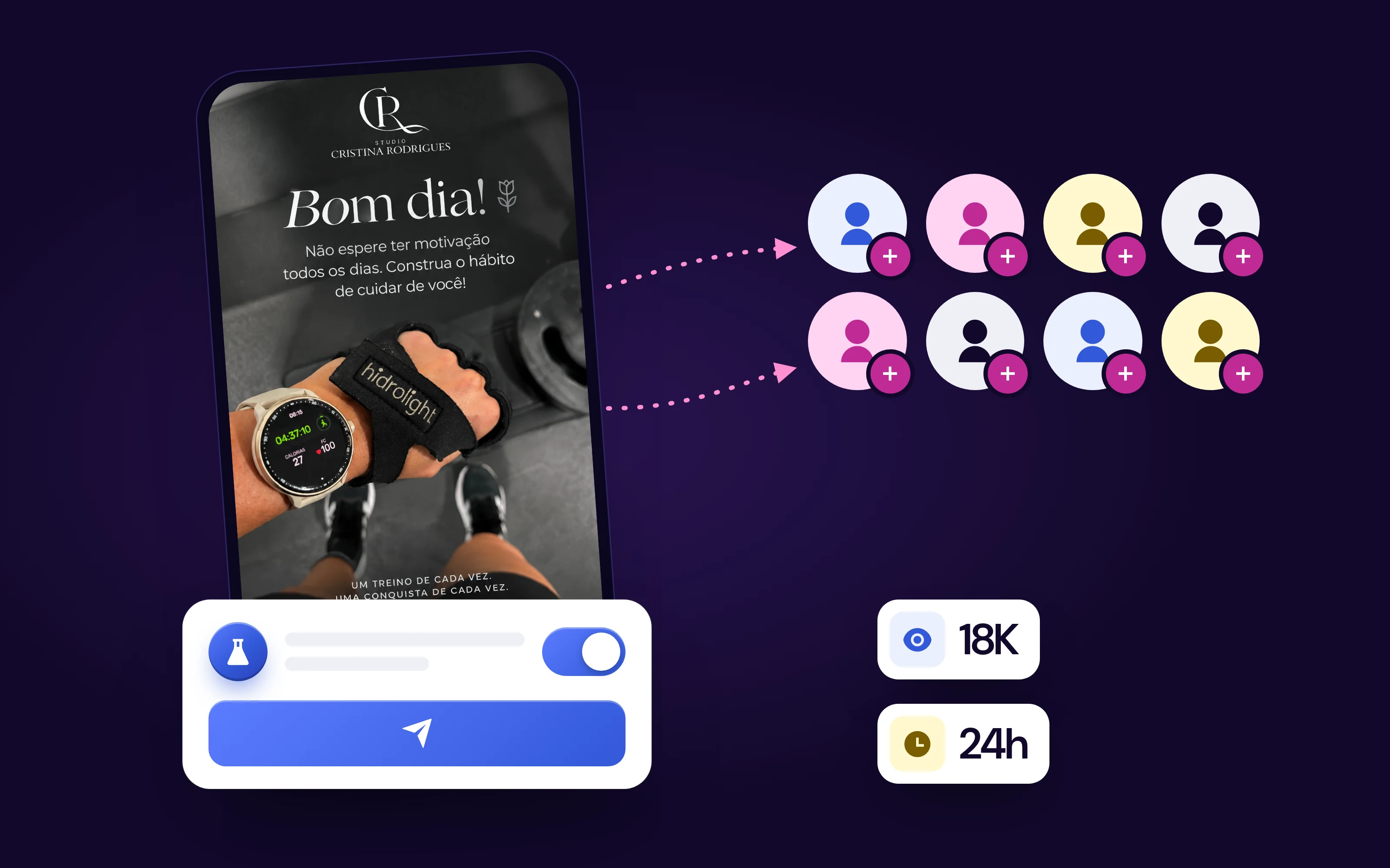
- Schedule: instead of posting right away, you can schedule the Reel for when your audience is active.
Once posted, the Reel can also go to your Stories. To learn how to repost a Reel to your story, including someone else's, see our guide on how to repost Stories. And to respond to another account's Reel, use Remix: in the Reel's three-dot menu, tap Remix and record your part next to it, with green screen or split screen.
What keeps your Reel out of recommendations
A Reel only reaches people who don't follow you if it can be recommended. In April 2026, Instagram spelled out its original content rule: accounts that mostly post other people's work stop appearing in recommendations. According to Instagram, 75% of recommendations in the US already come from original posts.
- Counts as original: video you shot, content you produced and edits that add context or a point of view to third-party material, such as a Remix with your explanation.
- Doesn't count: re-uploading someone else's video with only a border, watermark, captions or credit in the caption.
- How to check: in Settings, open Account Status. If there is a reach limit, it shows up there, with the option to appeal.
The rule doesn't change what your followers see; it decides whether the Reel can go to people who don't know you yet.
Besides originality, Instagram asks for quality and an opening that hooks from the first second. If you want to test a new idea with non-followers before showing it to your followers, use trial reels.
Reels, Feed or Stories: which should you use?
People who ask whether it is better to post a Reel or a feed post are usually comparing things that do different jobs. The rule is the goal of the post.
| Your goal | Format | Why |
|---|---|---|
| Get discovered by new people | Reels | It is the format built for recommendation to non-followers |
| Teach something people will want to keep | Carousel in the Feed | People read at their own pace and save it for later |
| Announce news to existing customers | Stories | Reaches people who already follow you, with polls, links and question boxes |
| Show the product in use | Reels | Movement and sound show what a photo can't |
| Show social proof (testimonial, before and after) | Reels or carousel | Reels to reach, carousel for people who want the details |
Pros of Reels:
- It is the format that takes your profile furthest to people who don't follow you yet.
- It stays on your profile and keeps getting watched after the first week.
- It can go to the grid with "Share to Feed", so the same content works in both places.
Watch out for:
- It takes more work than a photo: it needs a script, recording or assembly, and editing.
- The reach comes from people who don't know you, so the opening has to explain itself without context.
- Reach is not sales. Also track profile visits and link clicks in Instagram Insights.
In practice, a business profile doesn't pick just one format: it uses Reels to reach new people, carousels to teach and Stories to keep the conversation going with existing customers. For carousels, the step by step is in our guide to Instagram carousels.
What to post in your first Reel
A brand's first Reel doesn't need a dance or a trend. Three formats work for almost any business and fit in 15 to 30 seconds:
- The question every customer asks: a question on screen in the first second and a direct answer right after. An accountant answers "Do freelancers need to file taxes?"; a clothing store shows "how to find your size without trying it on".
- Behind the scenes: how the product is made, packed or delivered. It shows care without a sales pitch.
- Before and after: the problem and the result, side by side. It works for services (a renovation, a haircut, a garden) and for products (a stain that comes out, a tidy room).
A 15-second script that works for all three formats:
| Time | What goes in | Example (clothing store) |
|---|---|---|
| 0 to 2 s | The line that promises the result, written on screen | "How to find your size without trying it on" |
| 2 to 12 s | The step by step or the behind the scenes, in 2 or 3 cuts | Tape measure on the waist, the size chart, the right piece |
| 12 to 15 s | A next step for the viewer | "Save this for your next purchase" |
To get off on the right foot:
- Write the first line before recording. It goes on screen, as text, in the first second.
- Record vertically, with light in front of you and the phone steady.
- Add automatic captions and review them.
- Choose a cover in the style you will repeat in the next ones.
- Post when your audience is active. Our guide to the best time to post on Instagram shows how to find yours.
After 24 hours, open the Reel's Insights and write down views, how long people watched and how many shared it. Make the second Reel changing just one thing, such as the first line, and compare.
What about other social networks?
Short vertical video has become a format on almost every network: TikTok was born from it, YouTube has Shorts and Facebook has Reels too. The same 9:16 vertical video works on all four, with two precautions:
- Export the video without one network's watermark before uploading it to another. Platforms prefer original content.
- Check each network's sizes and safe areas, because the buttons sit in different places on the screen. The sizes are in our guide to post sizes.
For a small brand, it makes sense to start with Instagram, where your customers usually already are, and take the same video to other networks once the routine is steady.
Frequently asked questions
What are Reels on Instagram?
They are Instagram's short vertical video format, with music, text and effects. Reels live in the Reels tab of your profile and are also shown to people who don't follow you yet, through Explore, the Feed and the Reels tab in the app.
Where are Reels on Instagram?
To watch, tap the video icon in the bottom bar of the app. Your Reels sit in the tab with the video icon on your profile and, if you turned on Share to Feed, on your main grid too.
What is the difference between Reels and Stories?
A story disappears after 24 hours and mostly reaches people who already follow you. A Reel stays on your profile until you delete it and is built to be recommended to people who don't follow your account yet.
Is it better to post a Reel or a feed post?
It depends on the goal. Reels are for reaching new people; photos and carousels in the Feed are for followers to save and revisit. When you post a Reel, the Share to Feed option also puts the video on your profile grid.
How do you make a Reel on Instagram?
Tap +, choose Reel, record by holding the button or pick videos and photos from the Gallery. On the editing screen, add music, text and captions, tap Next, write the caption, choose the cover and tap Share.
How do you make a Reel with photos and music?
Open Reel, tap the Gallery and select several photos; they become a slideshow. Tap the music note to choose a song and adjust, in the timeline, how long each photo stays on screen.
How long can a Reel be?
The Reels camera records from 3 seconds to 3 minutes. The app accepts videos of up to 20 minutes, but, according to Instagram, Reels over 3 minutes are not recommended to people who don't follow you yet.
Can you edit a Reel after posting?
You can edit the caption, the cover, the tags and the location. The video itself doesn't change: to replace a part, you have to delete the Reel and post the new version.
Conclusion: your first Reel in 15 seconds
Reels are Instagram's short vertical videos that stay on your profile and reach people who don't follow you yet. They are the format for getting discovered; the Feed and Stories work better with people who already know the brand.
To make your first one, you need neither equipment nor a trend:
- Pick a format: customer question, behind the scenes or before and after.
- Record 15 seconds vertically or build it from photos you already have.
- Put the first line on screen and add automatic captions.
- Choose a cover in the style you will repeat.
- Post when your audience is active and compare the numbers after 24 hours.
This guide is by BestContent. If what you are missing is the video, the BestContent video generator creates Reels from an idea, and you keep posting consistently with a posting schedule.