
Creating your brand on the platform
Enter what the AI needs to know to create in your brand's style.

Quick answerAt the top of the side menu, open the brand picker and click New brand. Fill in the 4 steps: Your brand, Networks, Identity and Styles.
Before you start
- Define your audience, industry and brand proposition.
- Have your logo and main colors ready.
- Write short examples of your tone of voice.
Step by step
1Open the brand picker
Click the brand name at the top of the side menu, then New brand.

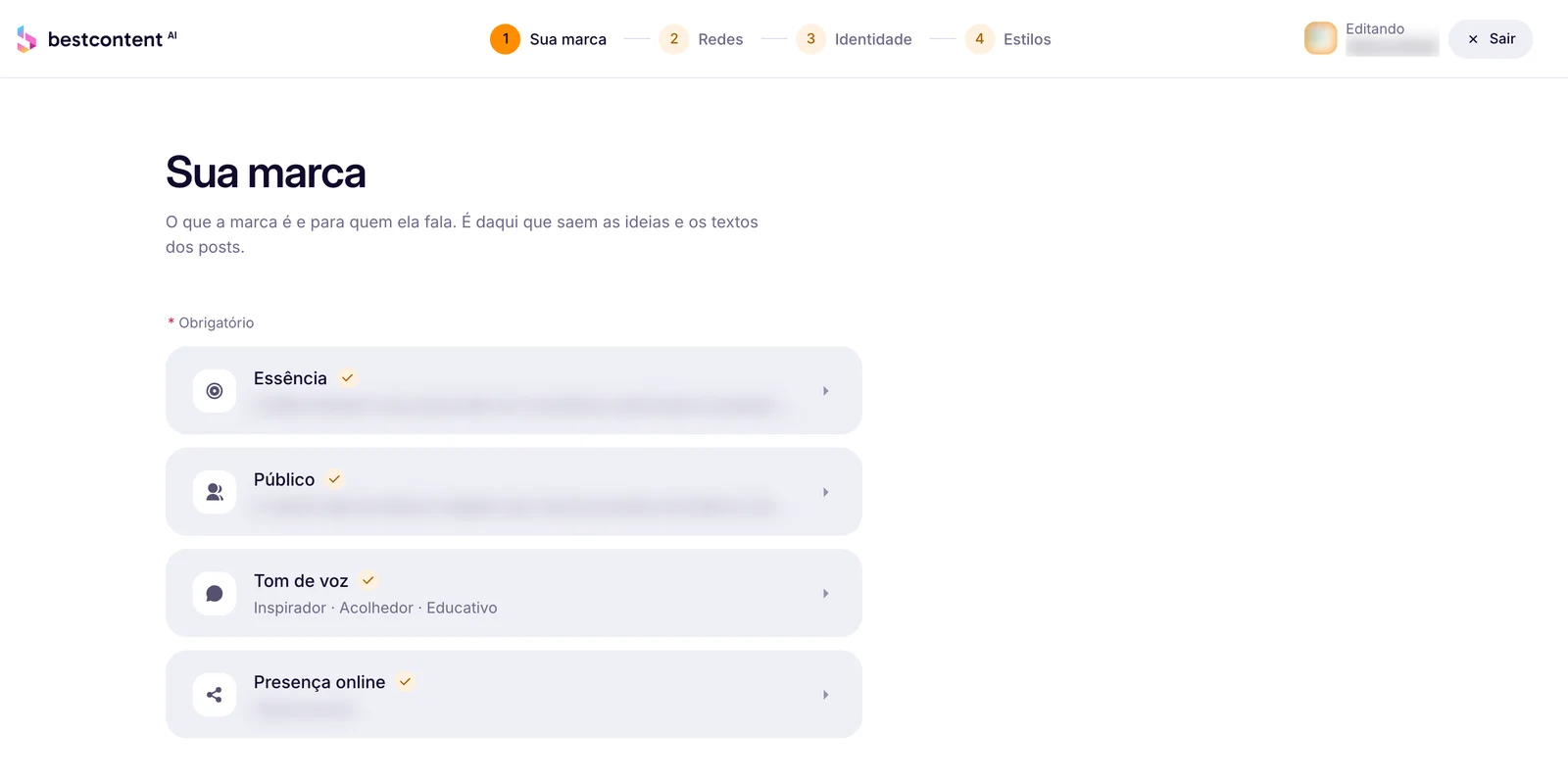
2Your brand
Fill in Essence, Audience, Tone of voice and Online presence. This is where the ideas and texts come from.
3Networks
Connect Instagram, Facebook and LinkedIn to publish and schedule from here. You can connect them later.
See the guide: How to connect Instagram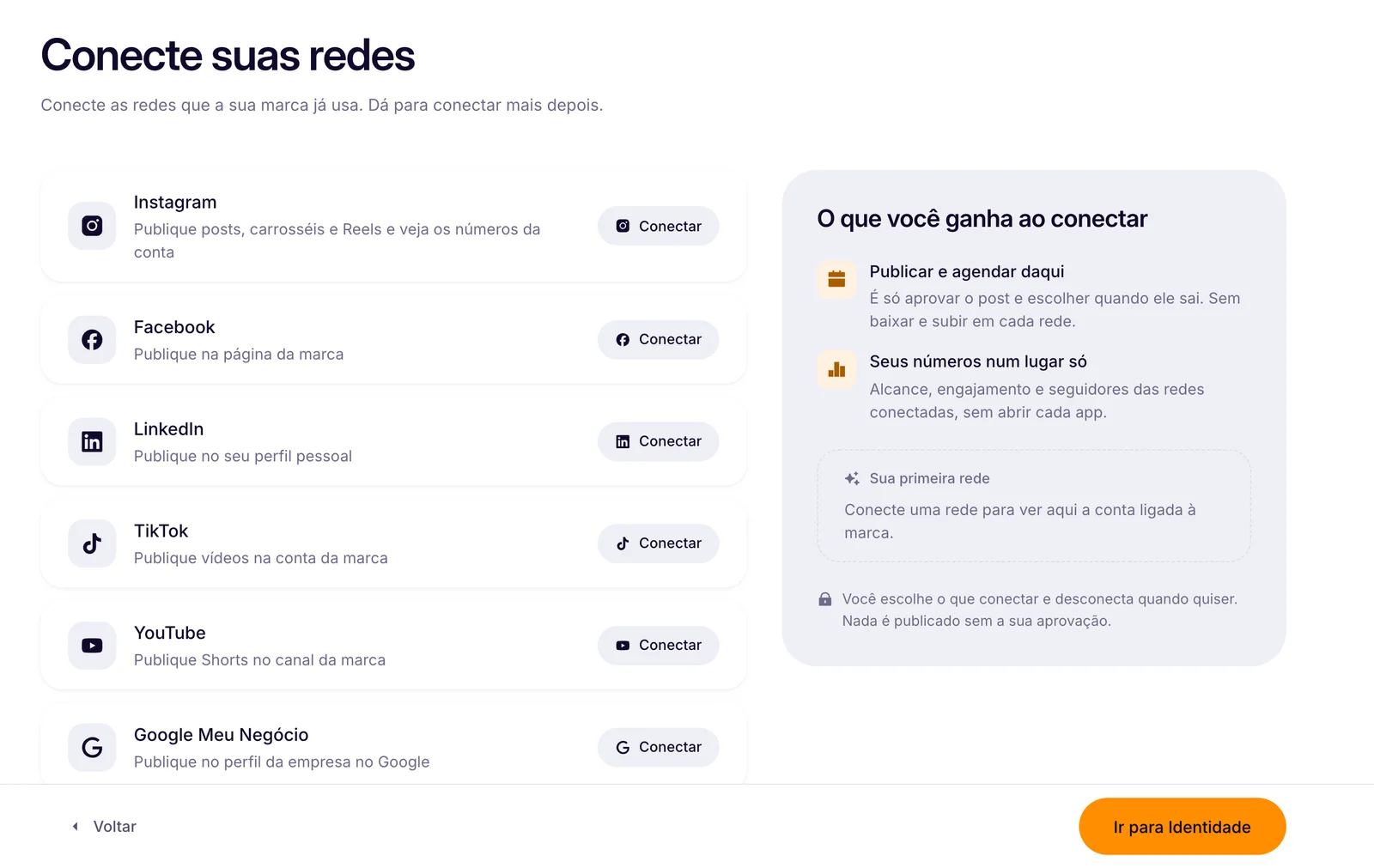
4Identity
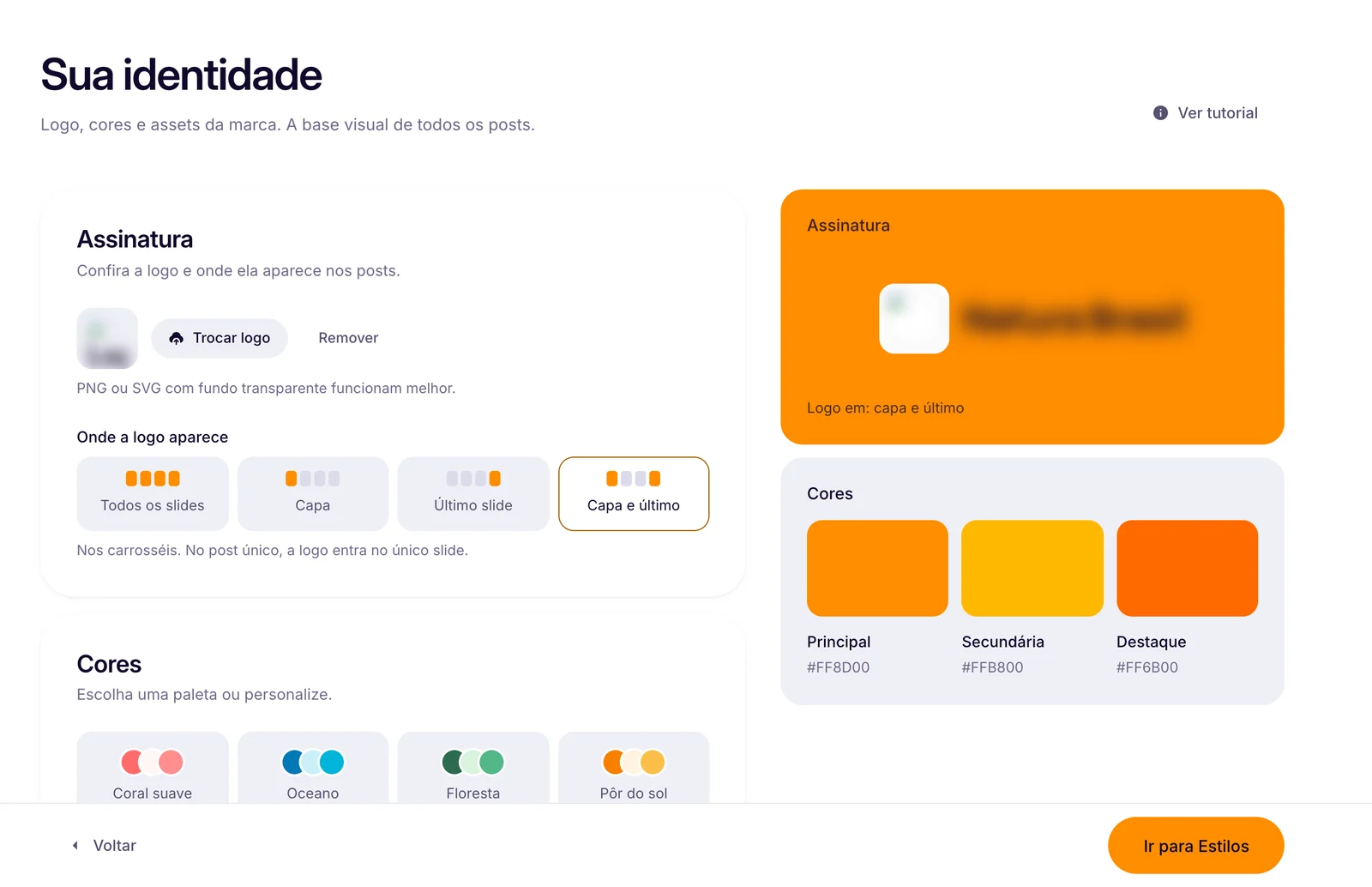
Upload your logo (PNG or SVG with a transparent background), choose where it appears, the color palette and the assets: products, mascots and people.
5Styles
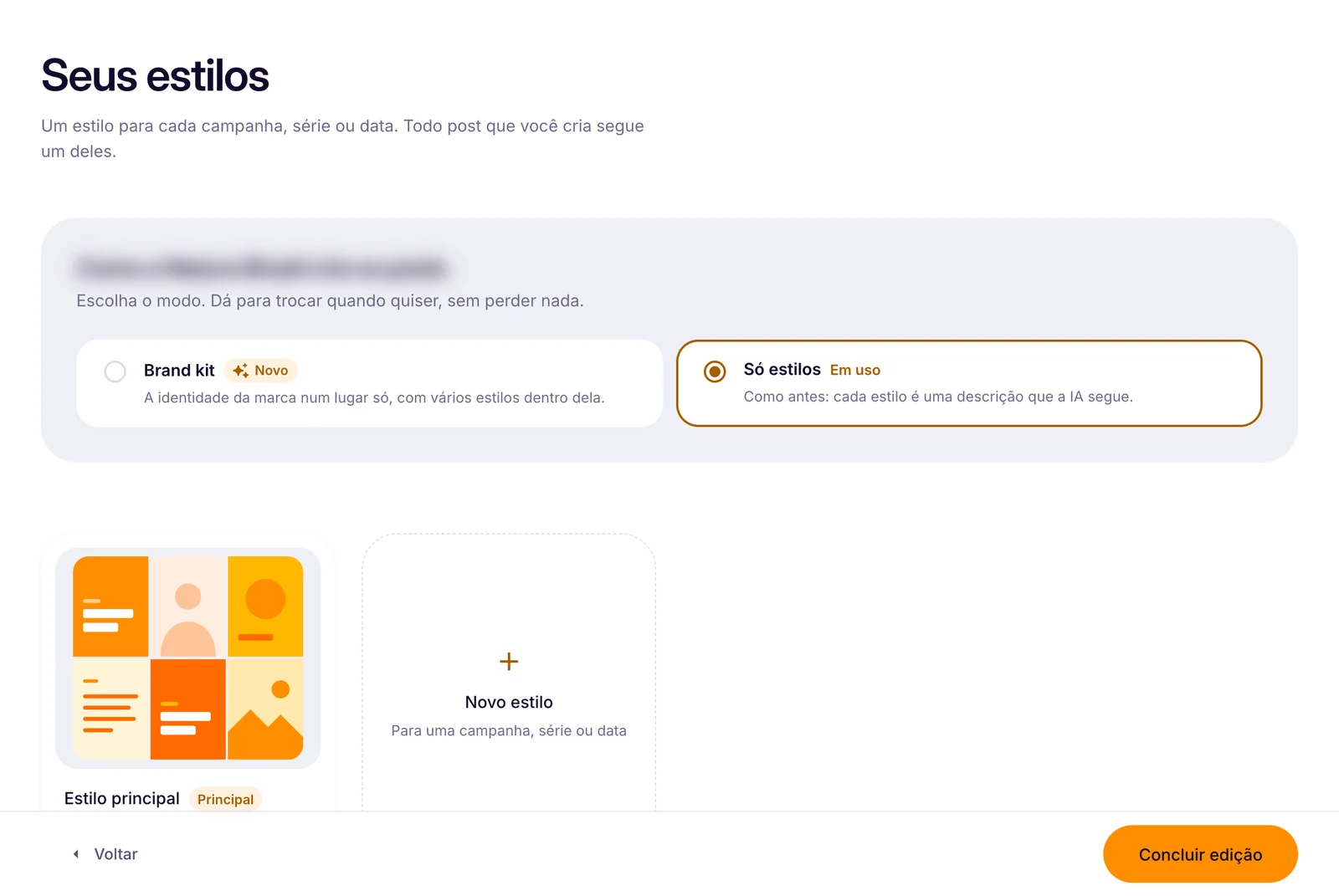
Choose Brand kit (your identity in one place, with several styles inside) or Styles only.
How to know it worked
- The brand shows in the picker at the top of the menu.
- The next posts come out with its colors and logo.
If something doesn't go as expected
- Check the required fields of each step.
- Use the logo in PNG or SVG.
- Refresh the page and open the brand editor again.
.avif)
Related guides
BrandEditing your brand informationSocial networksHow to connect InstagramSocial 2.0Creating your first post with AI
Was this page helpful?
Your answer helps us improve this guide.

Still have questions?
Contact support. Have your account email at hand.