Schedule Instagram, Facebook e LinkedIn posts with AI — All-in-One Social Media Management
No more manual posting. With BestContent Social 2.0, schedule Instagram, Facebook, and LinkedIn posts straight from your desktop or mobile, complete with AI-generated captions and a built-in content calendar. Simple, consistent, and automated social media management.
Schedule multiple posts simultaneously and save time.
View and organize your publications in one place.
Easily change dates and times according to your strategy.
Use our AI to create or upload external files.
Why Is Post Scheduling Essential for Social Media Management?
Maintaining an online presence is crucial, but manually posting on each platform is exhausting. With BestContent, you streamline this process and schedule Instagram posts for free. Publish at strategic times and dates effortlessly.
With just a few clicks, you can schedule all your content.
To focus on what matters and save time.
For those who want to brainstorm and create content.
Veja como criar e agendar seu calendário de conteúdos no Instagram na prática!
How to Create an Editorial Calendar for Instagram
Creating a good editorial calendar for Instagram is essential to achieving the results you want for your profile. With this in mind, we have developed a step-by-step guide to help you create the ideal publishing schedule:
1. Develop a Strategy
2. Define Your Audience
3. Plan Your Content
4. Create Instagram Content
5. Determine Frequency and Schedule Instagram Posts
Instead of interrupting your work every time you need to post, you can do everything at once, freeing up time for other important tasks.
Schedule Instagram posts weeks in advance and auto-publish at your audience's peak engagement times — without needing to be online.
Schedule Instagram stories, feed posts, and LinkedIn posts all at once: a single workflow replaces hours of weekly social media management.
2 - Regularity and Consistency
Consistency is key to organic growth on social media.
Scheduling ensures you never forget a post or miss the best time to post.
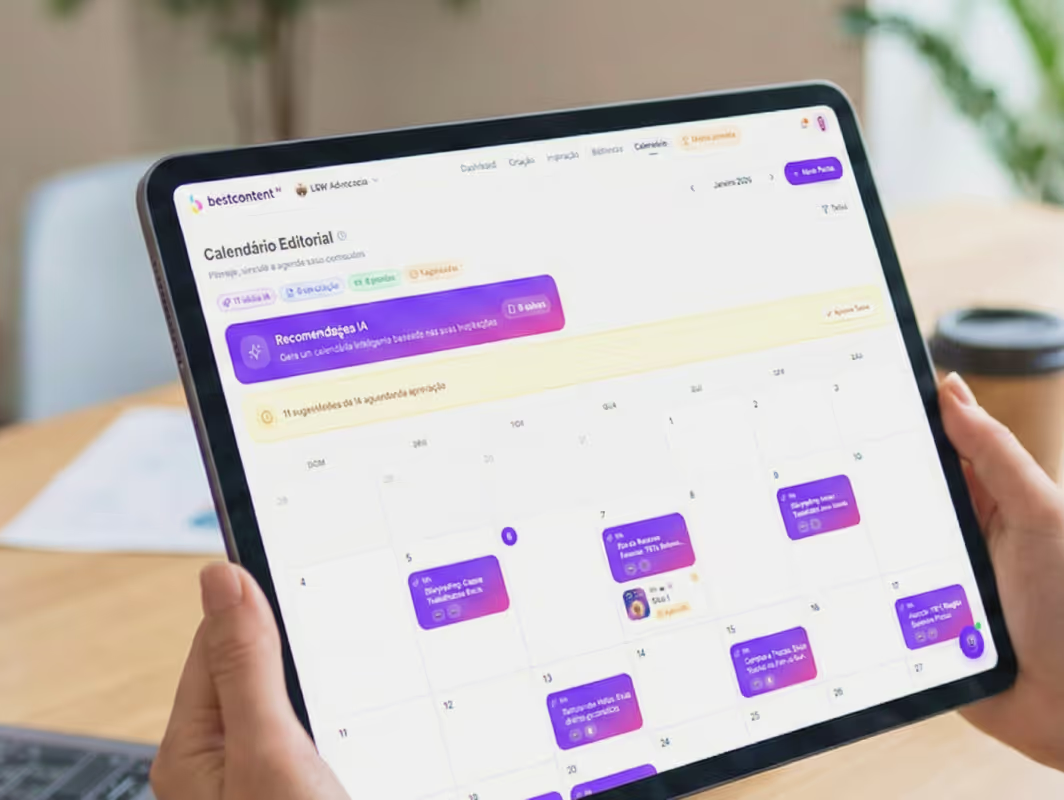
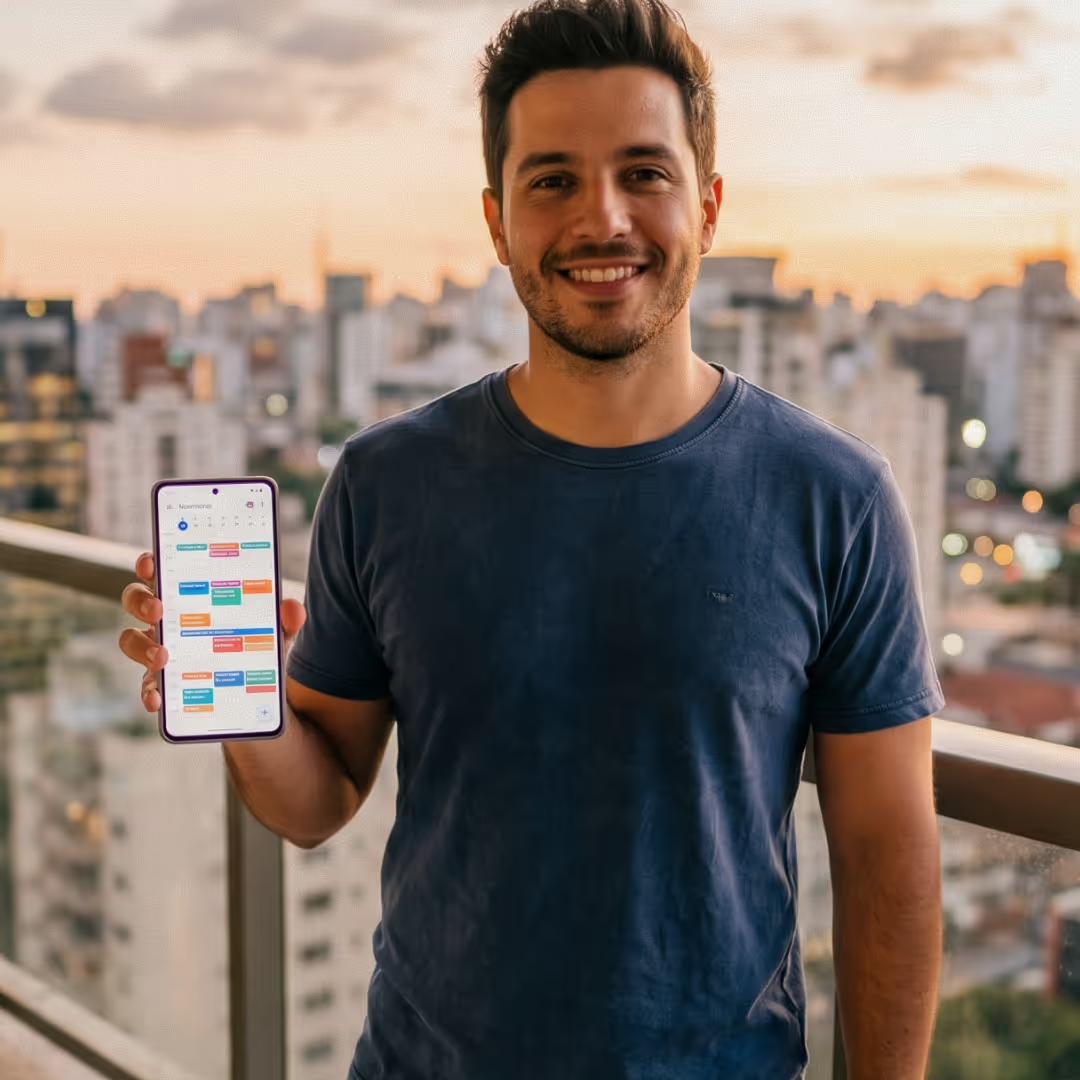
Use the built-in content calendar to view your entire schedule at a glance: know exactly which posts are scheduled for Instagram, Facebook, and LinkedIn in the upcoming days — no surprises.
Profiles that post consistently grow faster. With BestContent, social media management stops relying on daily discipline and starts running on autopilot.
3 - Better Organization
Plan a week or even a month of content in advance.
Social media management is simpler when you can see everything at a glance: use filters by platform, post status, or date to find any scheduled post in seconds.
Never miss a holiday or seasonal campaign again: with the built-in content calendar, you can schedule posts for Instagram and other platforms months in advance, maintaining consistency effortlessly.
4 - Flexibility and Autonomy
Make adjustments anytime: change the date, caption, or make quick edits without needing to manually repost.
Want to schedule Instagram posts for free before committing to a plan? BestContent offers initial credits so you can test our complete scheduling features risk-free — no credit card required.
Just as you schedule Instagram posts, you can schedule LinkedIn and Facebook posts with the exact same ease: a single workflow for all networks, with zero learning curve.
The social media manager that does everything for you
From scheduling stories to social media monitoring — manage Instagram, Facebook and LinkedIn in one place, effortlessly.
Multi-network scheduling
Instagram, Facebook and LinkedIn scheduled all at once
Stop switching between apps. With BestContent, you schedule Instagram stories, schedule LinkedIn posts and queue Facebook content from a single dashboard. Set the date and time once — the tool publishes automatically. Scheduling Instagram posts has never been this straightforward.
schedule instagram storiesschedule linkedin postschedule instagram post
Centralized management
Social media management without spreadsheets or sticky notes
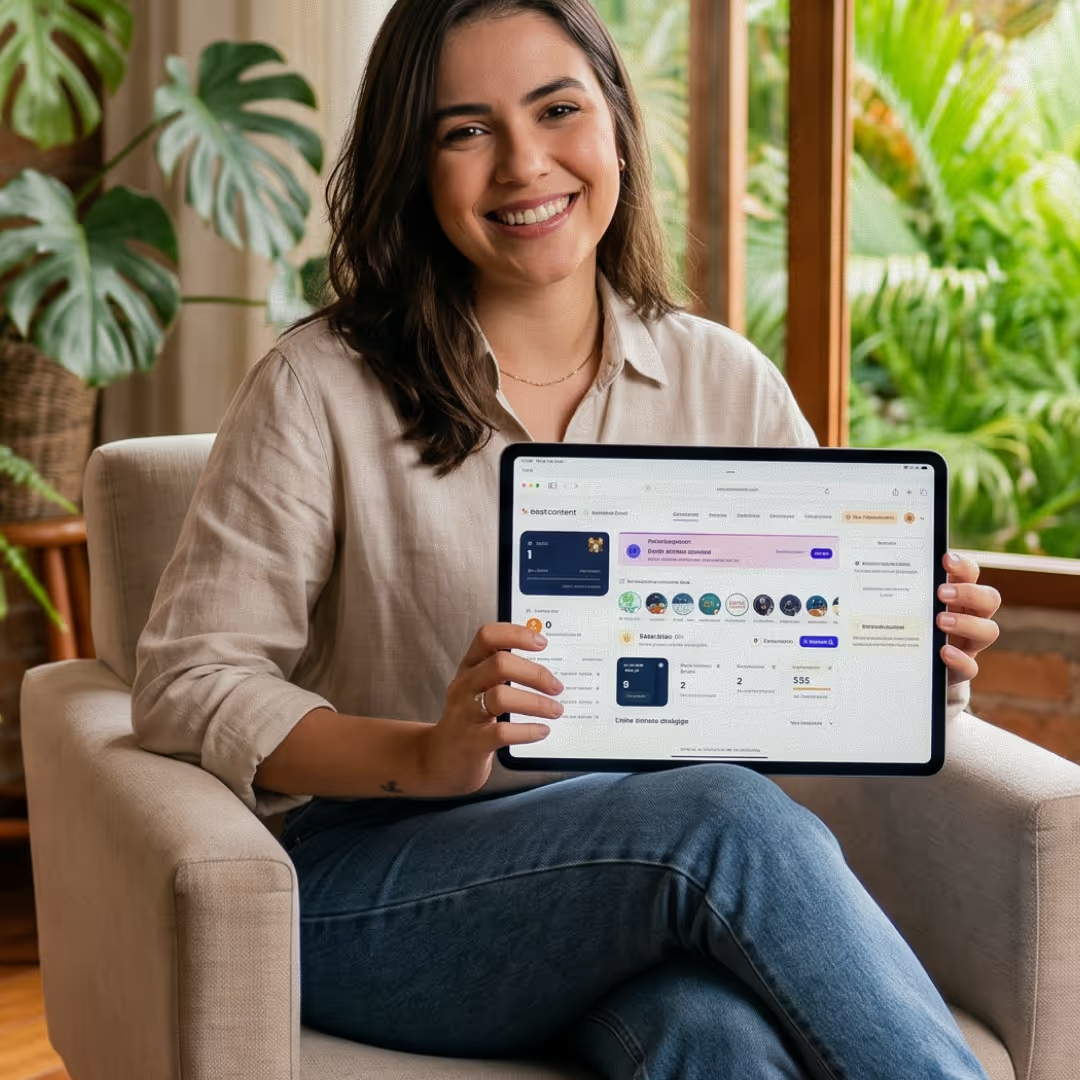
All your social media management lives in one dashboard: Instagram, Facebook and LinkedIn side by side. Plan weeks of content, see what's scheduled and edit any post with a single click. The perfect tool for anyone handling social network management across multiple profiles who needs full control with less effort.
social media managementsocial network management
Consistent presence
Schedule Instagram stories days ahead and publish at exactly the right time
Scheduling Instagram stories in advance ensures your time-sensitive content goes live at peak engagement — even when you're offline. The same goes for LinkedIn: scheduling LinkedIn posts keeps your professional presence active without relying on remembering to post every single day.
schedule instagram storiesschedule linkedin posts
Monitoring and control
Know exactly what went live — and what's still queued
BestContent's social media manager shows the real-time status of every post: scheduled, published or failed. The built-in social media monitoring eliminates surprises and ensures no post gets missed. Everything a reliable Instagram scheduler should have, in a simple interface with zero learning curve.
social media managersocial media monitoringinstagram scheduler
Frequently Asked Questions about BestContent AI
1 - Is it safe to schedule posts on Instagram?
2 - Does scheduling posts on Instagram affect performance?
3 - How do I schedule posts on Instagram using BestContent Social?
4 - Can I create an editorial calendar within the tool?
5 - How far in advance can I schedule a post on Instagram?
6 - Can I fully automate my social media management?
7 - Can I edit posts after scheduling them on Instagram?
8 - How does an editorial calendar help with content planning?
9 - Does the tool schedule Stories or Reels on Instagram?
10 - What are the benefits of using a scheduling tool?
11 - Can I schedule posts for multiple social media profiles from one account?
12 - Do I need to install anything on my computer to schedule posts on Instagram?
13 - How far in advance can I schedule my posts?
14 - Does the tool offer post ideas or suggestions?
15 - Is BestContent a good social media manager for solopreneurs?
16 - How does social media monitoring work within the platform?
17 - How to schedule Instagram posts from a PC?
18 - How to schedule Instagram posts automatically?
19 - Can I use BestContent as an Instagram manager for multiple accounts?
20 - How to schedule LinkedIn posts via BestContent?
21 - How to schedule Instagram posts for free?
22 - Does BestContent work as a social media manager for agencies?
23 - Is it possible to schedule posts for Instagram and LinkedIn at the same time?
24 - How to schedule LinkedIn posts from a mobile phone?














.avif)