
How to connect Facebook
Link your brand's Facebook page to publish through BestContent.

Quick answerIn the Networks step of the brand editor, click Connect on Facebook, log in to the Meta account that manages the page and choose the page.
Before you start
- Use the Meta account that has access to the page.
- Check that the page is active.
Step by step
1Open the Networks step
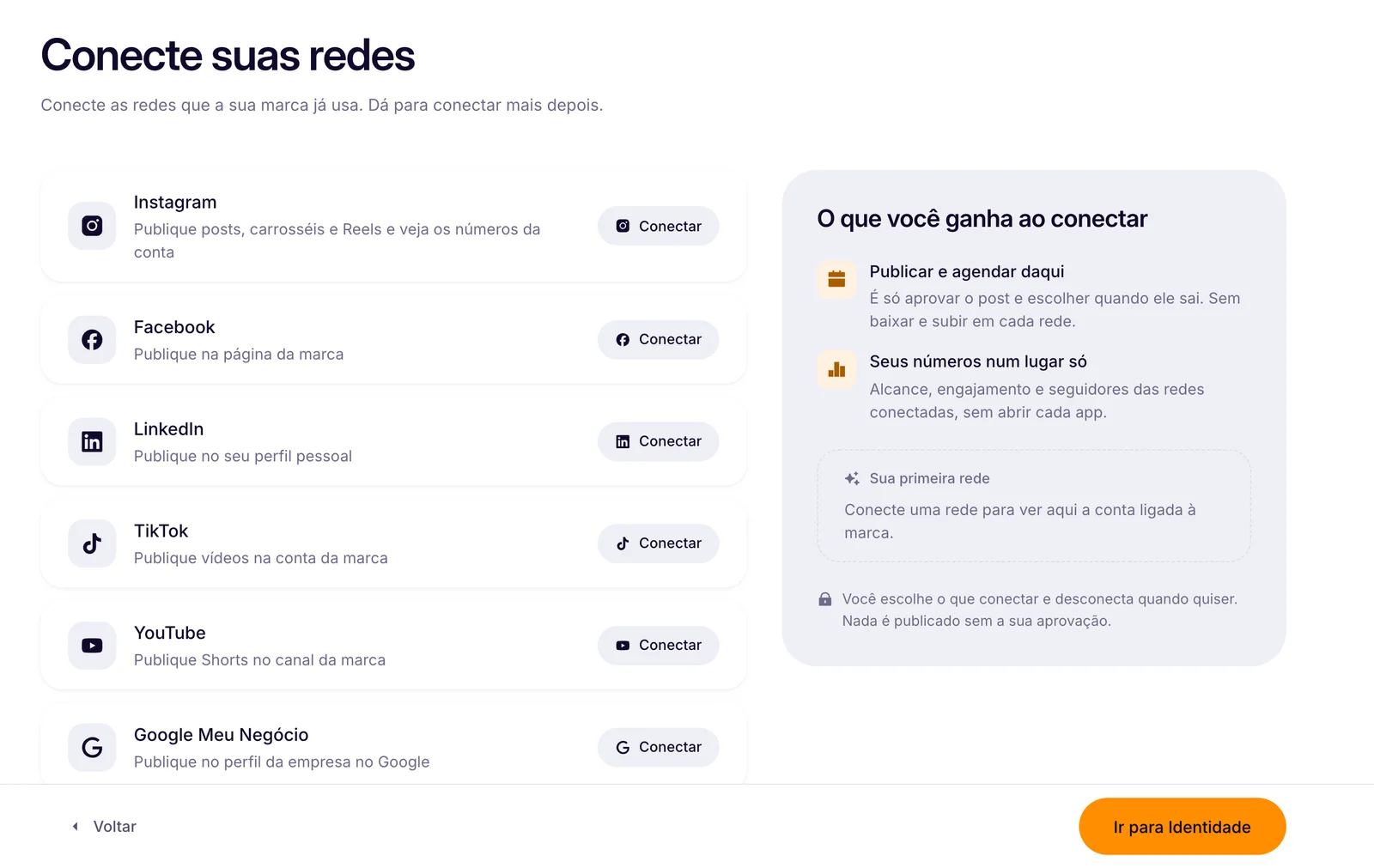
At the top of the side menu, click the pencil Edit <your brand>. In the brand editor, go to step 2. Networks.
2Click Connect
On the Facebook row.
3Log in to Meta
Use the account that manages the page and accept the permissions.
4Choose the page
In the Choose your Facebook page window, select your brand page and confirm.
Pages only
Facebook publishes to your brand's page. Personal profiles do not get automatic publishing. Without a page selected, Facebook scheduling stays locked.
How to know it worked
- The page shows as connected.
- It shows as an option when scheduling.
If something doesn't go as expected
- Page not showing? Check on Facebook that your account still manages the page.
- Review the permissions you accepted when logging in to the network.
- Disconnect the old connection before trying again.
Related guides
Social networksHow to connect InstagramSocial networksHow to disconnect your networksCalendar and schedulingAutomatic scheduling on Instagram, Facebook and LinkedIn
Was this page helpful?
Your answer helps us improve this guide.

Still have questions?
Contact support. Have your account email at hand.