How to cancel your subscription
Turn off automatic renewal without losing the period you already paid for.
Before you start
- Use the same email you bought with.
- Know which plan you want to check.
- Have the charge date at hand.
Through the payment portal
1Open the portal
In My subscription, click Manage Subscription and Payments.
See the guide: Managing your subscription2Click Cancel subscription
In the Subscriptions tab.
3Answer Before you cancel
First you may see an offer for another plan. Then come the reason, a comment and a rating of your experience. Click Confirm cancellation.
4Check it
“Cancellation scheduled” shows, with the date your access ends, and you get the “Subscription canceled” email.
In the app, under My subscription
1Click Cancel subscription
If the link shows on the Your plan card, this is where you cancel.
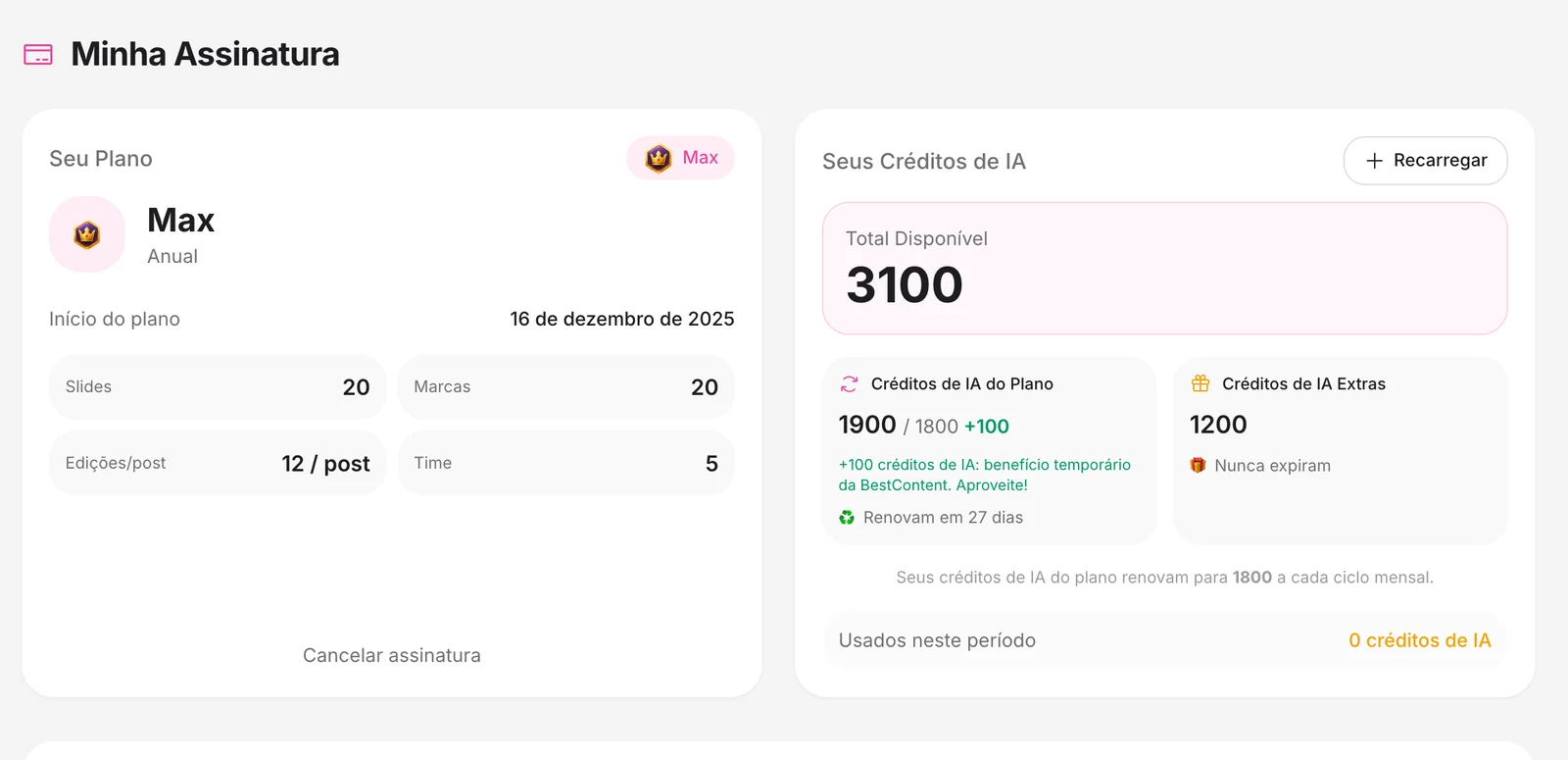
2Confirm
Choose the reason, leave a comment if you want and click Confirm Cancellation. Your access continues until the end of the period; after that, the account goes back to Freemium.
In the portal, undo the cancellation before the date your access ends. In My subscription, use Keep my subscription.
Canceling is not a refund
Canceling stops future charges. To get your money back within the 7-day guarantee, use the refund request.
How to know it worked
- “Cancellation scheduled” shows with the date your access ends.
- You get the “Subscription canceled” email.
If something doesn't go as expected
- Refresh the page and check the status again.
- Write down the date, amount and plan before contacting support.
- Do not repeat a billing request while the first one is under review.
Related guides
Your answer helps us improve this guide.

Contact support. Have your account email at hand.