
Service
For service providers: what you do, what sets you apart and how to ask for a quote.
Say what the flyer needs to communicate. The AI designs it with your logo and colors, in the right size for the print shop, Instagram or WhatsApp.
Free plan with 35 credits a month, no card required.














Four steps, from request to print-ready file.
Promotion, event, menu, property, service or notice. Each type tells the AI what to highlight.
Printing or sharing online? A4, square for the feed, story for WhatsApp or a 9×3 m billboard.
“Winter clearance, everything 50% off, this Saturday and Sunday only.” Title, price, contact and date are optional.
Edit the text, regenerate if you like and download as PNG or PDF.
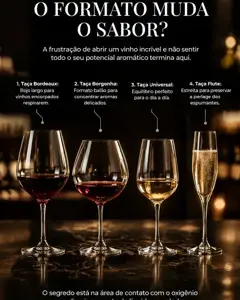
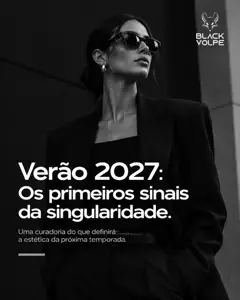
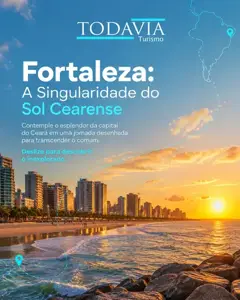
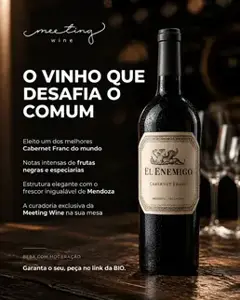
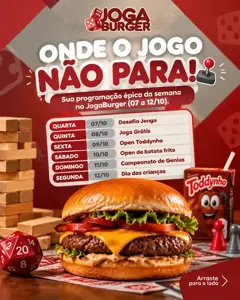
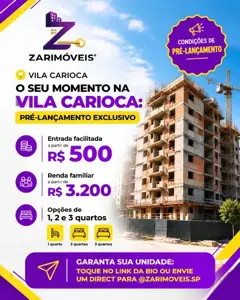
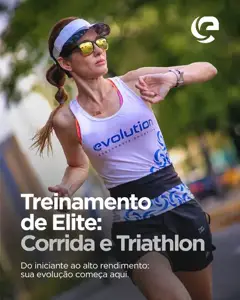
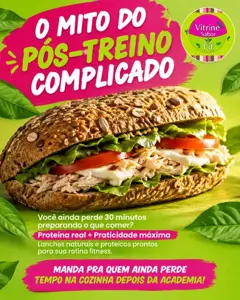
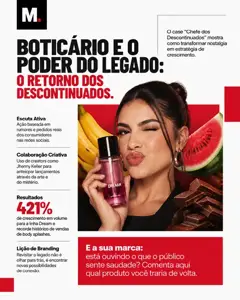
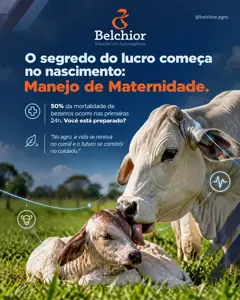
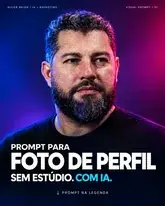
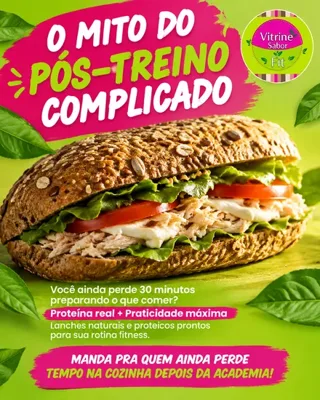
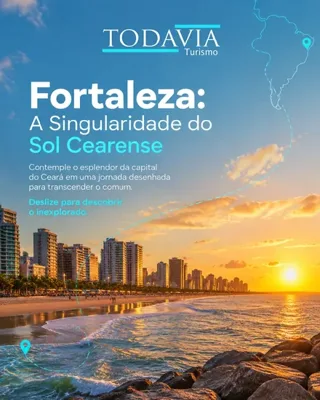
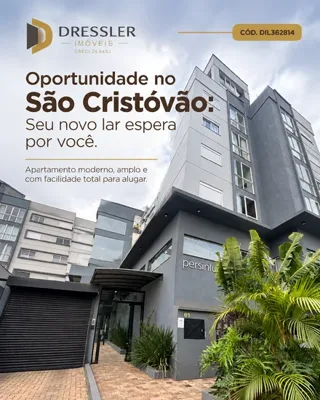
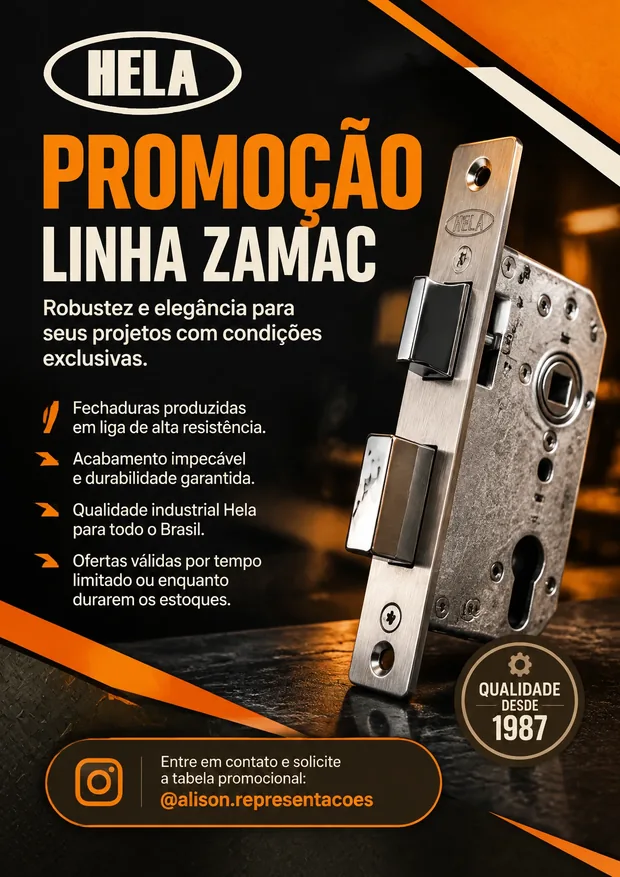
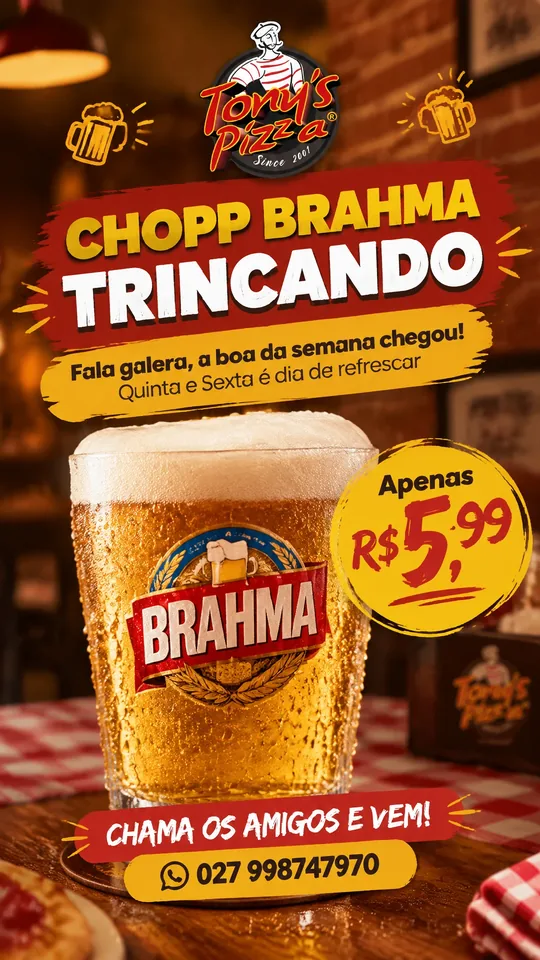
Real flyers from customers, created on BestContent. The AI changes what it highlights by type: the price on a promotion, the class on an enrollment, the schedule on a notice.
For service providers: what you do, what sets you apart and how to ask for a quote.

For schools and courses: enrollment, classes, age groups and contact info.
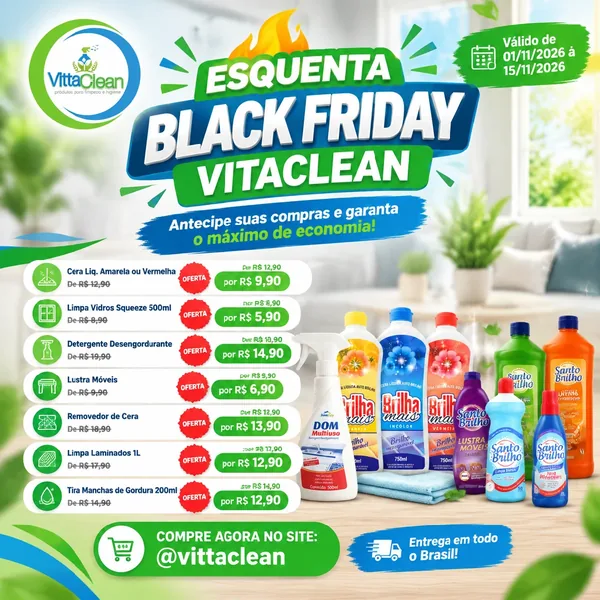
For time-limited offers: the products, the prices up front and when it ends.

To introduce your store: what it offers, why choose it and where to find it.
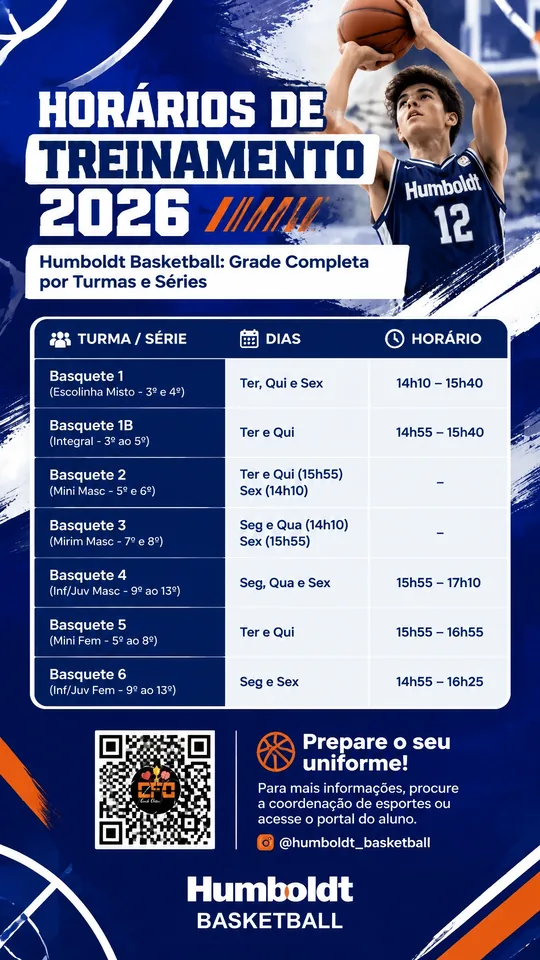
For a complete message: schedules, rules or step by step, easy to read.
Event, menu, real estate, notice, political and custom: each type tells the AI what to highlight.
Choose how many pages the flyer will have and say what goes on each one. The AI designs the front, the back and the inside with the same look.
Download as PNG to post or as PDF to print.
They come from your brand profile. Set them up once and every flyer comes out with them.
Send a flyer you like and the AI follows its style.
“Dark background”, “no photos of people”, “large text”. Write it your way.
The request is text, not layers or fonts.
A step-by-step course with over 10 hours of video, from your first setup to publishing like a pro. Included for free in the PRO and MAX plans.

Get to know the whole BestContent workspace and get comfortable fast.

Set up your brand identity so the AI always speaks in your voice.

Generate attention-grabbing posts, with text and image, in just a few minutes.

Create multi-slide carousels that tell a story and grow your reach.

Turn your ideas into short videos ready for Reels, TikTok and Stories.

Build a complete content calendar and never run out of ideas again.

Read your numbers and turn data into smarter content decisions.
Choose the type and size, describe what the flyer needs to communicate and the AI designs it with your brand. You review it and download it as PNG or PDF.
Yes. The Free plan has 35 AI credits a month, no card required, and it already creates flyers.
Yes. Flyers and leaflets are the same piece: choose square or story to share online, or A4 to print.
Yes. Download it as an A4 PDF. For a 9×3 m billboard, the PDF comes out at full scale. Check with the print shop which bleed margin they need.
Yes. Choose "double-sided" or "folded brochure" and say what goes on each page.
Yes. Your logo and colors come from your brand profile. You can also attach a style reference image.
Yes. The flyer opens in the design editor, the same one used for posts: you can change the text, colors and images, and download it again as PNG or PDF.
Promotion, event, service, menu, real estate, education, political, informational, notice/announcement and custom.
Yes, for printed or image menus: list the items, descriptions and prices. It's not a digital menu with online ordering.
Yes. The story format (9:16) works for status updates and for sending to customers.
One sentence becomes a flyer with your brand, ready to print or post.
O gerador de vídeos com IA do MAX anual, com condição de Black Friday e reset grátis dos créditos.
A oferta termina em01d 23h 59min 59s