How to change the font of a post
Change the typeface of a text right in the editor.

Quick answerIn Editable Image posts, open the editor, click the text and choose another font. In a Static Image, the text is part of the design: ask the AI Editor to change it.
Editable Image
1Open the editor
In the Library, open the post and click Edit Design.
2Click the text
Select the text you want to change.
3Choose the font
In the bar that appears, open Text style and pick one under Font.
4Check it
The editor saves automatically. Look at the result at full size.
Static Image
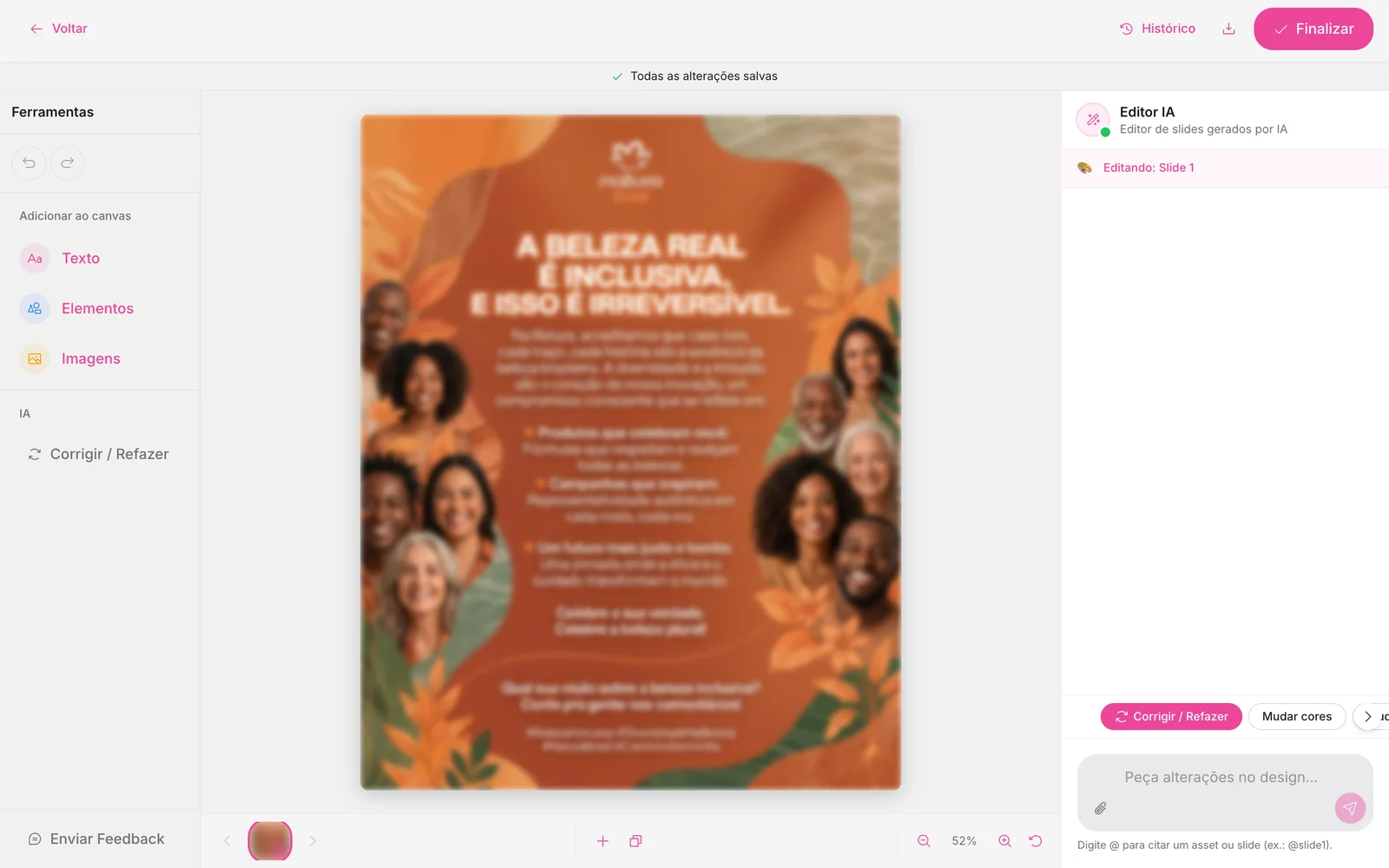
1Ask the AI Editor
In the chat on the right, write something like “change the title font to a more modern one”.
Choose a readable font
Decorative fonts work for short titles. For smaller texts, prefer simple fonts with good contrast.
How to know it worked
- The new font is still there after you reopen the post.
If something doesn't go as expected
- Refresh the page and open the post again.
- Use History if the change disappears.
Related guides
Was this page helpful?
Your answer helps us improve this guide.

Still have questions?
Contact support. Have your account email at hand.